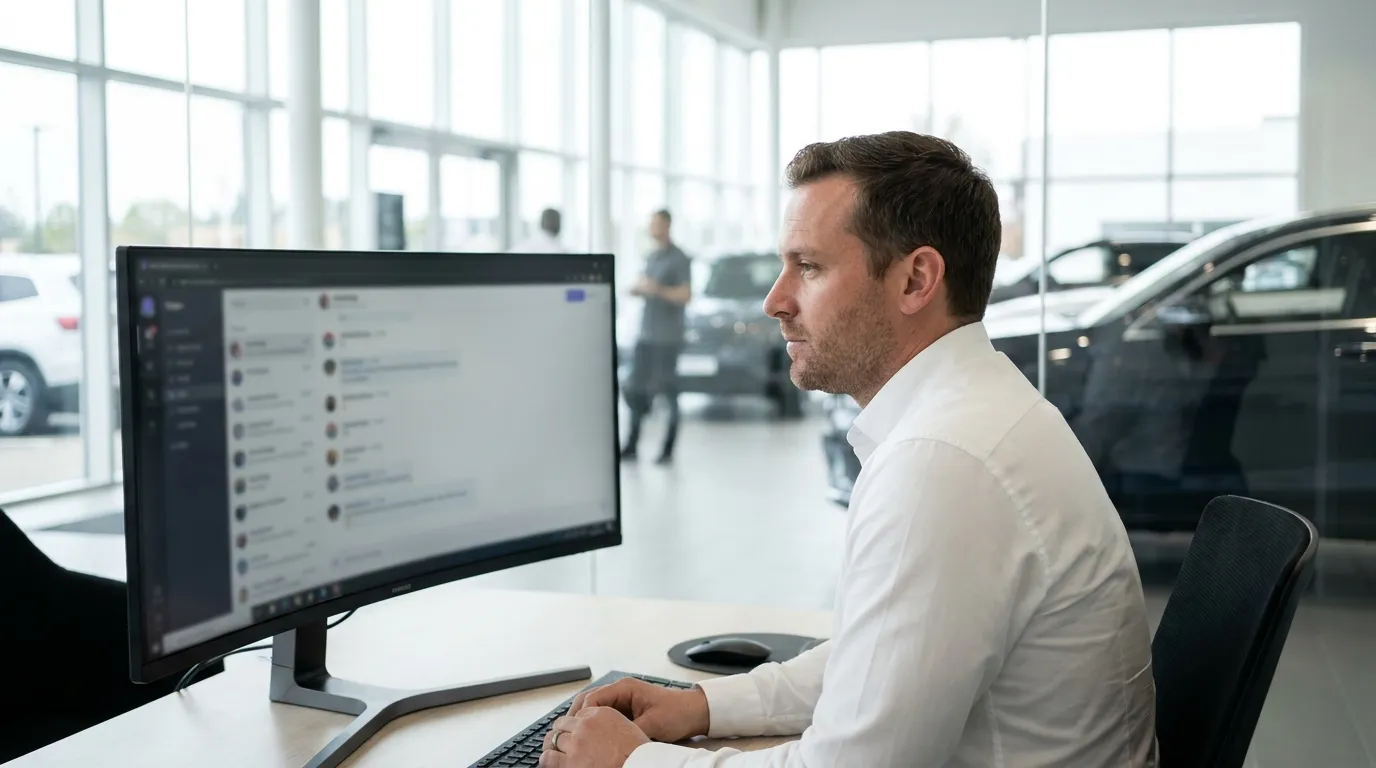
Platform · Inbox and leads
The AI starts the conversation. Your team closes the sale.
Behind the advisor sits a complete support platform: a shared inbox with human takeover, a ticket workflow, lead management with routing to sites and salespeople, proactive engagement and reports.
Try a takeover
A visitor asks for a trade-in valuation. The AI escalates. Take over, insert the suggested reply, and hand back when you are done.
Hi, is the Enyak 85 still available?
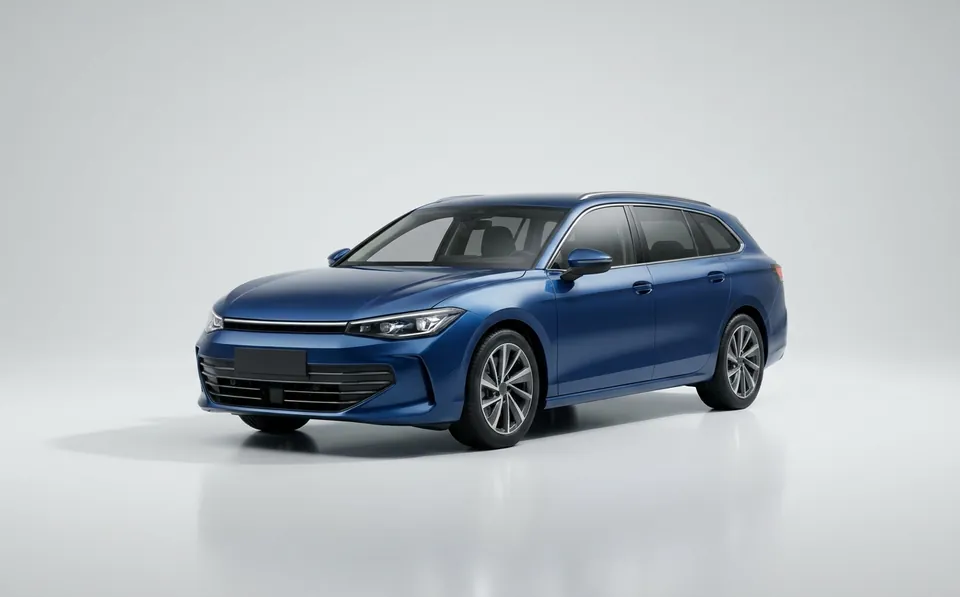
Yes, the Skova Enyak 85 is available at our Wels site. It has a heat pump and an electric tow bar, and the battery warranty runs until 2032.
 Skova Enyak 85Nearly new · demo car · 3,200 km€44,900
We like it. Would you take my 2017 Passara as a trade-in, and what would you give me for it?
We take trade-ins at every site. A fair price needs a proper look at the car, so I have asked a colleague from Wels to join. One moment, please.

Lena, he bought his Octavio from us in 2019 and services it in Linz. Full history on file, so the trade-in should be straightforward.
Hello Mr Gruber, Lena from Wellhof in Wels here. Happy to value your Passara. Could you tell me the mileage and send two photos? I can give you a first estimate today, and the Enyak is reserved for you until Saturday.
Demo with a fictional dealer, people, brands and vehicles.
Every conversation in one place, live
Agents see what the AI is doing and can join at any moment.
- 01.01Central inbox
- All conversations from all websites, followed live.
- 01.02Take over from the AI
- An agent joins any conversation at any time.
- 01.03Hand back to the AI
- Automated service continues with one click.
- 01.04Live two-way messaging
- The agent’s message appears for the visitor instantly.
- 01.05Full transcript with roles
- Visitor, AI, agent and system, with timestamps.
- 01.06Filters and search
- By status, owner, escalation and free text.
- 01.07Real-time notifications
- Agents never miss an incoming question.
- 01.08Works on a phone
- Salespeople can answer from the showroom floor.
A workflow you can measure
Every conversation is a case with a status, an owner and a history.
- 02.01Statuses
- Open, waiting, resolved, closed.
- 02.02Owner assignment
- Clear responsibility, nothing falls through.
- 02.03Tags
- Manual or suggested by AI, for reports and triggers.
- 02.04Internal notes
- Visible only to colleagues, never to the customer.
- 02.05AI summary
- Topic, sentiment and escalation reason at a glance.
- 02.06Suggested replies
- A ready answer, inserted with one click.
- 02.07Canned responses
- Faster handling and a consistent tone.
- 02.08AI translation
- Serve visitors who write in another language.
- 02.09Transcript by email
- The customer receives a summary of the conversation.
Qualified leads, with the whole story attached
When interest is serious, the advisor turns the conversation into a lead.


- 03.01Leads captured by the AI
- The advisor offers a callback and records the request.
- 03.02Inquiry form
- Name, email, phone, message, preferred channel and consent.
- 03.03Callback promise
- The customer knows who will call and when.
- 03.04Data snapshot
- Later price changes do not rewrite the lead’s history.
- 03.05Lead statuses
- New, in progress, won, lost.
- 03.06Contacts that remember
- Once a visitor leaves a name and email, they are greeted by name and every detail lands on their contact record.
- 03.07Bot protection
- Spam and automated traffic are filtered before they reach your team or your AI budget.
- 03.08Duplicate handling
- The same person does not create parallel leads.
- 03.09Email and SMS follow-up
- Outbound notifications with consent checks.
The right site, the right person
Inside a group, no inquiry gets lost between locations.
Brand policy
| Brand | New | Used |
|---|---|---|
| Volkswerk | ||
| Skova | ||
| Cuprion | ||
| AudraNew: sourcing desk | ||
| Other makes |
Sites and owners
- LinzVK · Skova · CuprionMartin LeitnerOpen until 18:00
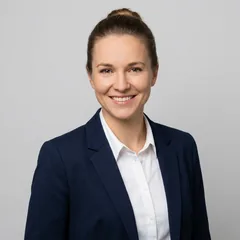
- WelsVK · SkovaLena HoferOpen until 18:00
- SteyrSkovaJakob WimmerOpens 08:00

- Fleet deskAll makesSandra PichlerCallback

- 04.01Routing by location
- Sends the visitor to the nearest relevant site.
- 04.02Named salesperson
- The buyer sees who will receive their details before sending.
- 04.03Automatic owner
- Every site has an owner, so nothing stays unassigned.
- 04.04Site details in the chat
- Address, phone, brands sold, opening hours and a map.
- 04.05Test drives and appointments
- The requested time is captured and confirmed by the site.
- 04.06Service and parts
- Non-sales questions go to the right team.
Speaks up at the right moment, then stays quiet
Visitor context and a trigger engine let the chat start the conversation when it helps.
- 05.01Returning visitors
- Anonymous visitor ID recognises them over time.
- 05.02Location aware
- City detection, and precise location with permission.
- 05.03Visitor journey
- AI and agents see what the visitor viewed before.
- 05.04Behaviour segments
- For example “viewed several cars” or “visited pricing”.
- 05.05Trigger conditions
- URL, time on page, scroll, exit intent, return visit, city, time of day, device.
- 05.06Trigger actions
- Open the widget, show a greeting, suggest a question, route to an agent, open a form.
- 05.07Frequency caps
- Respects dismissals and does not pop up on every page.
- 05.08Trigger statistics
- Shown, opened, conversation, lead.
What buyers ask for, and what you are missing
Conversation data turns into decisions for sales, marketing and purchasing.
- 06.01Management dashboard
- Conversations, leads, takeovers, escalations, average CSAT.
- 06.02Customer satisfaction
- One to five stars at the end, with written feedback.
- 06.03Automotive reports
- Most searched models, missed matches, stock gaps.
- 06.04Stock gap signals
- Demand for cars you do not have goes to purchasing.
- 06.05Unanswered questions
- What the AI could not answer becomes a to-do list.
- 06.06Export
- Reports for management and marketing.
Run it yourself, without a developer
Greetings, questions, persona, opening hours, triggers and per-site display are self-service.
- 07.01Unlimited users
- No seat counting. Add every salesperson and every site.
- 07.02Roles and permissions
- Admin and agent roles, active or inactive.
- 07.03Self-service settings
- Change what visitors see without a ticket to IT.
- 07.04Inventory admin
- Manage cars, sites, documents, tests and videos.
- 07.05Vehicle data from a link
- Fill in a vehicle record from a listing or model page.
- 07.06Demo scenarios
- Ready-to-show use cases for your own team.
Next step
See it answer for your own dealer group.
We walk you through DealerBrain with scenarios built around your brands, your sites and the kind of stock you carry. Thirty minutes, no slides.